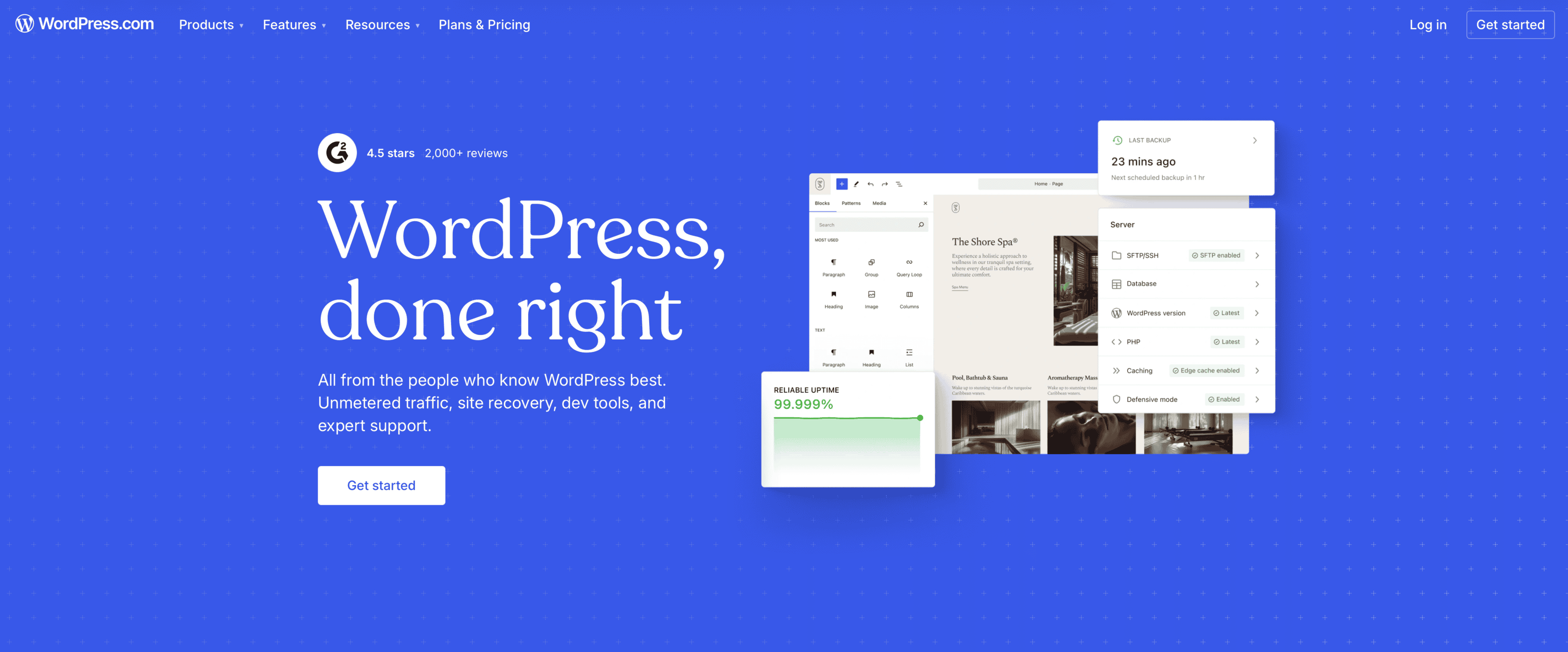
After nearly two decades running a finance publication on the platform through Google’s latest core updates, here is where WordPress.com earns its keep and where it still frustrates.
Disclosure: This article contains affiliate links to WordPress.com. If you sign up or upgrade through my tracked link, I may earn a commission at no extra cost to you.
Google’s December 2025 core update erased more than 70% of organic traffic for some affiliate and review sites in a single rollout. The May 2026 update, which finished rolling out in early June, went after the same target: thin content assembled from other people’s reviews, written by authors who never actually used the product they were ranking for.
I have run DailyDime on WordPress.com since 2006, which is close to 20 years of building pages, fighting formatting, tracking affiliate performance, and watching how the platform handles real finance traffic through every major algorithm shift Google has shipped. The same unit-economics discipline I bring to a post on contribution margin applies to running the site itself: I know what this platform costs me and what it returns.
This is not a review stitched together from marketing pages. It is what I have lived keeping a live, monetized niche site online for two decades, across multiple platform redesigns and three punishing core updates in a row. If you are weighing WordPress.com for a content site, a small business presence, or a migration off another builder, here is the operator’s version of the trade-offs, including the parts the sales page leaves out.
The Managed Layer That Still Matters in 2026
The single biggest reason I have stayed for 20 years is that WordPress.com handles hosting, core software updates, security, CDN, and SSL so I can spend my time on the content itself. For a solo operator running multiple businesses with four kids in youth sports, that division of labor is the whole value proposition.
When I open my dashboard, I get a clean overview of my sites, quick access to the editor, Jetpack stats, and site-health indicators. I am not patching servers or untangling plugin conflicts from random third-party code. Updates ship automatically, and DailyDime has seen almost no downtime or security incidents in two decades of finance publishing.
Jetpack’s built-in stats are part of my weekly routine. After I publish a deep piece, like our operator’s guide to small business lending, I check which sources and keywords are converting, then double down on the topics where I have genuine operator experience. That feedback loop is exactly the kind of first-hand signal Google now rewards.

My WordPress.com dashboard, where I manage DailyDime.
Inside the Block Editor
The editor is dramatically better than it was in the 2018 to 2020 Gutenberg years. Building a recent comparison post on equipment financing, I used blocks to assemble pricing columns, pros-and-cons lists, and call-to-action buttons without the formatting fighting me the way it used to.
Blocks are stable enough now that I can build complex financial tables and add custom CSS classes for mobile readability, which matters when a large share of finance traffic lands on a phone. The responsive preview is reliable, and reusable patterns save real time when I produce the same structure repeatedly, such as a pricing table followed by a CTA.
The work is not frictionless. I still keep my interactive calculators as Custom HTML blocks paired with footer code snippets, because the native blocks do not cover everything a finance publisher wants. That approach is solid once it is dialed in, but it took real trial and error to land on a pattern that renders cleanly on the theme I use.

Building a comparison table in the block editor, sidebar settings open.
What WordPress.com Costs in June 2026
Here is the current pricing I reference when people ask, verified against the live pricing page on June 4, 2026. Always check wordpress.com/pricing before you commit, because these numbers move.
| Plan | Billed monthly | Annual (per month) |
| Personal | $9 | $4 |
| Premium | $18 | $8 |
| Business (my plan) | $40 | $25 |
| Commerce | $70 | $45 |
The Personal plan is the entry point most new publishers should look at first. It includes a free custom domain for the first year and access to the core WordPress.com features, including plugin installs, which used to be locked behind higher tiers.
I run the Business plan at $25 a month billed annually. It unlocks 50 GB of base storage, priority support, SFTP and SSH access, and GitHub deployments I occasionally use for custom changes. For a monetized content site running Google Analytics, affiliate tracking, and the odd code snippet, it hits the right balance. I do not need the WooCommerce-heavy Commerce plan to publish finance content.
The Limitations I Have Hit After 20 Years
No platform is perfect, and after 20 years I am clear on the trade-offs.
The biggest one is the curated plugin and theme ecosystem. You can install from a large approved library, but you cannot drop in every self-hosted favorite. There have been times I wanted a specific finance tool or an advanced form builder that simply was not available without a clunky workaround. For most content sites this curation is a net positive for security, though power users who love tinkering will eventually feel the walls.
Storage adds up faster than you expect. The Business plan starts at 50 GB, and if you publish detailed infographics, charts, and downloadable templates the way a finance site does, you have to be deliberate about image optimization and offloading assets.
You also give up low-level server control. If you need custom caching rules, specific PHP configurations, or heavy custom development, self-hosted WordPress.org on a VPS will always offer more. I have considered moving parts of DailyDime for that reason, but the maintenance overhead has never justified it for how I actually work.

My current plan and storage, straight from site settings.
Who WordPress.com Actually Fits in 2026
After two decades, here is who gets the most out of it:
- Content creators and niche publishers, especially in finance, professional services, or B2B, who want strong built-in SEO, analytics, and monetization without running servers.
- Small business owners building a first or second serious web presence who value reliability over maximum control.
- Existing WordPress.org users tired of plugin conflicts and update management who will trade some customization for less maintenance.
- Anyone whose main goal is publishing experience-backed content rather than running a heavily custom application.
For a data-driven side-by-side comparison with Wix, Squarespace, Shopify, and Webflow – including current pricing, review volume, and which platform wins for different use cases – see my full breakdown of the best website builders in 2026.
If you need unlimited arbitrary plugins, deep custom development, or full server-level control, self-hosted is still the better road. For most professional content sites in 2026, the managed experience removes more problems than it creates.
The Next Update Will Reward the Same Thing
Google’s recent updates made one thing clear: hands-on, long-term platform experience is now a ranking advantage, not a nice-to-have. Writing from inside the actual editor, watching how the tools behave on real content, and maintaining a live site for years produces signals thin review content cannot fake. That is the same reason DailyDime keeps interlinking its own pillar content, from LLCs and taxes to personal finance, instead of re-explaining concepts from scratch.
DailyDime is still on WordPress.com in 2026 because the platform handles the boring, critical work while giving me enough modern tooling to publish the finance content my readers need. The next core update will reward the same thing it just did: proof that a real person built and ran the site.
If you are evaluating WordPress.com, the most useful next step is to build something small in it yourself. Spin up a site, create a few pages, and test the editor on your specific content type before you decide. You can start on the Personal plan and upgrade once you know what you need.
Ready to get started? Try WordPress.com